

Introducing the TenderMind Output Gallery
A new resource for exploring anonymized sample reports, matrices, slides, and structured AI deliverables — so teams can see what workflow outputs actually look like before they evaluate tools.
2026-07-12 · 8 min read
Introduction
When teams evaluate AI workflow tools, one question comes up early: what does the output actually look like?
It is a reasonable question. Many demos focus on the chat experience — upload a file, ask a question, get an answer. But in document-heavy workflows, the answer is rarely the final product. The real value is in the deliverable: the report, matrix, checklist, slide deck, or structured file the team can review, share, and reuse.
That is why we created the TenderMind Output Gallery — a public resource for exploring sample outputs generated through platform workflows and embedded agents.
Why we created the gallery
Buyers and internal champions should not have to imagine what an AI workflow produces. They should be able to inspect representative examples and ask practical questions: Would this fit our review process? Could our committee use this format? Does this include the structure and evidence we need?
The gallery is built around that need. It is not a feature tour. It is an output-first view of what TenderMind workflows and agents can generate in real use cases.
We also wanted a clearer way to show the difference between generic AI text and structured deliverables. The gallery is organized around files and formats teams already recognize — not around prompts or chat screenshots.
What the gallery includes
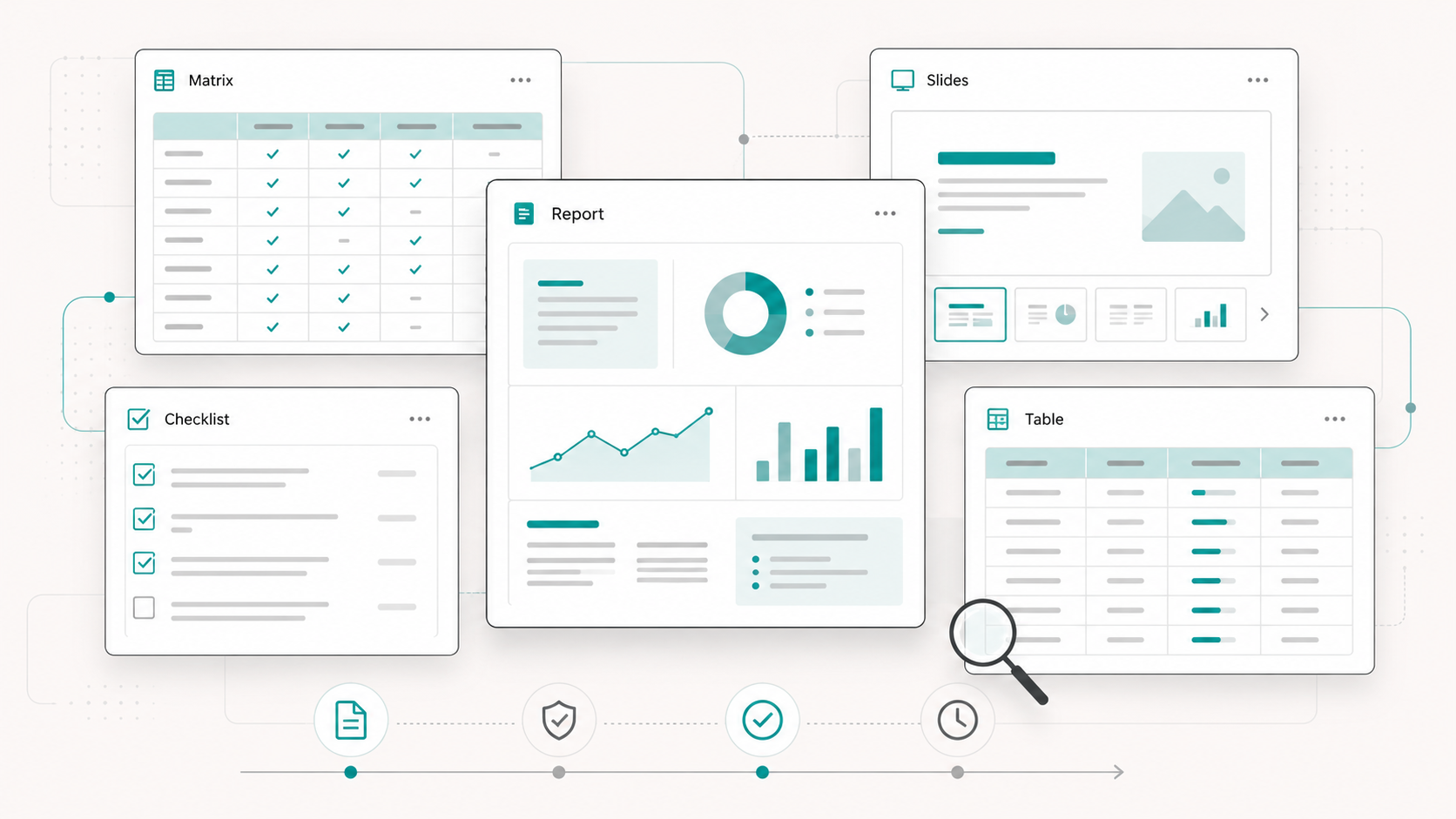
The Output Gallery groups examples by delivery type: platform workflow outputs and embedded agent outputs. Each item describes the kind of work product produced, the workflow context, and the format the team receives.
- Platform workflow outputs — tender evaluation reports, contract codification outputs, investment proposal assessments, and similar authenticated workflow deliverables
- Embedded agent outputs — structured procurement, legal, and HR agent responses designed for approved AI environments
- Reports — PDF-style evaluation and assessment outputs for review and documentation
- Matrices and tables — comparison outputs for criteria, bidders, risks, or requirements
- Slides and structured briefs — presentation-ready or review-ready formats where applicable
Built around files, not chat
One deliberate choice in the gallery is to focus on deliverables rather than conversation screenshots. Teams evaluating AI for procurement, legal, HR, or investment workflows usually care about the artifact they can hand to a reviewer — not the thread that produced it.
That means showing sample reports with sections and comparison logic, not just paragraphs of generated text. It means describing whether an output is a checklist, a matrix, a structured table, or a codified document view.
This file-first framing helps set the right expectations for what AI should produce in operational environments.
Anonymized and approved examples
Public examples in the gallery should use anonymized, synthetic, or client-approved material. Real company names, individuals, emails, license numbers, financial values, and confidential document content should be removed unless explicit approval has been given.
That policy matters because output examples are often used in internal evaluations, procurement reviews, and stakeholder discussions. The gallery should help teams understand format and structure without exposing sensitive information.
- Anonymized or synthetic sample data where possible
- Approved client-facing examples only when explicit permission exists
- No confidential identifiers or document content in public samples
- Clear distinction between sample outputs and live customer data
How to use the gallery
The gallery is most useful when teams bring their own process lens to it. Instead of asking whether the sample looks impressive, ask whether it would fit your workflow.
Would this report structure work for your evaluation committee? Does the matrix match the comparison logic your team already uses? Is the level of evidence and section separation sufficient for your review standards? Could this output be archived, shared, and reused without major reformatting?
Those are the questions that matter in evaluation — and the gallery is designed to make them easier to answer.
Takeaway
The TenderMind Output Gallery exists to make workflow outputs visible before a team commits to a process change or tool evaluation.
If you are assessing AI for document-heavy work, start with the deliverable. The gallery is a practical way to see what structured outputs look like across procurement, embedded agents, and related workflow types.
Explore the gallery, compare formats, and ask whether the outputs would actually fit the way your team reviews, documents, and decides.
Related resource
A new resource for exploring anonymized sample reports, matrices, slides, and structured AI deliverables — so teams can see what workflow outputs actually look like before they evaluate tools.